iPhone・iPad の散歩コースづくり

距離を選ぶと、
ひとまわりの道。

出発地と歩きたい距離(1〜20 km)を選ぶと、道に沿って出発地に戻ってくる周回のコースを作ります。「ちがう道で作り直す」で毎回ちがう向きに。できたコースは Apple のマップか Google マップに立ち寄り先つきで渡して、そのまま歩き出せます。

App Store で配信予定

買い切りで全部の機能が使えます。アプリ内課金・サブスクリプション・広告はありません。地図と道順は Apple の地図のサービスを使います。
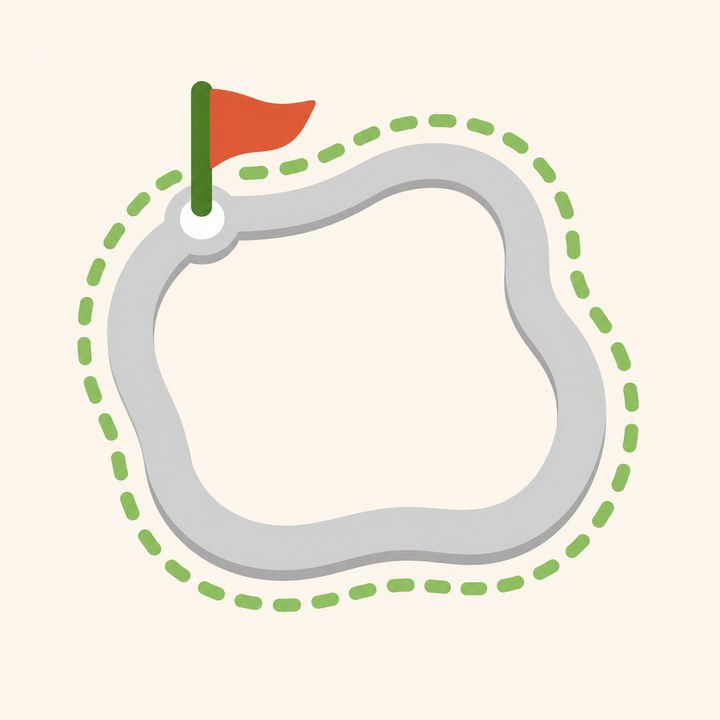
地図の上にひとまわりの道が描かれたイラスト

こんな困りごとのために

道沿いの距離が有料

買い切りで、1〜20 km の道沿いのコースが作れます。

距離が合わない

道順を引いた長さを見て組み直し、目標の距離に近づけます。外れたときは何 km ずれたかを出します。

保存の上限・整理

保存は数の上限なし。フォルダとお気に入りで分けられます。

ほかの機器に持ち出したい

GPX で書き出せます。

できること

作る出発地(今いる場所・地図・住所)と距離から周回のコース・作り直し・階段を避ける
直す立ち寄り先を長押しで動かす・地図を押して足す
歩くApple のマップか Google マップに立ち寄り先つきで渡す・目安の時間
データ保存の上限なし・フォルダ・GPX・iCloud Drive の毎日の控え

使い方・プライバシーポリシー・利用規約もご覧ください。

Loop walk routes for iPhone and iPad

Pick a distance,
get a loop.

Choose a start and how far you want to walk (1 to 20 km), and get a loop route that follows real streets back to your start. Try Another Way for a different direction each time. Hand the route to Apple Maps or Google Maps with every stop and start walking.

Coming to the App Store

One purchase unlocks everything; no in-app purchases, subscriptions or ads. Maps and directions use Apple's map service.

Illustration of a loop route drawn on a map

Made for these problems

Street-following distance is paid

One purchase gets street-following loops from 1 to 20 km.

Distances don't match

Routes are rebuilt from the measured length to get close to your target, and you're told how far off it is otherwise.

Save limits and clutter

No save limit; organize with folders and favorites.

Want it on other devices

Export as GPX.

What it does

MakeLoops from a start (current location, map or address) and distance, retries, avoid stairs
AdjustTouch and hold to move a stop, tap the map to add one
WalkOpen in Apple Maps or Google Maps with every stop, estimated time
DataNo save limit, folders, GPX, daily iCloud Drive backups

See also Help, Privacy Policy and Terms of Use.